PCB repair job
Autel MaxiSys MY908 touchscreen digitizer replacement
This Autel MaxiSys MY908 automotive diagnostic tablet came in with a partially failed touchscreen. The LCD was displaying normally, but touch input only worked on one side of the screen.
Initial diagnosis
The first step was working out whether the fault was actually with the digitizer. Because part of the touchscreen was still responding correctly, while the other half consistently was not, the fault pointed towards the touch digitizer rather than the LCD panel itself or a general software problem.
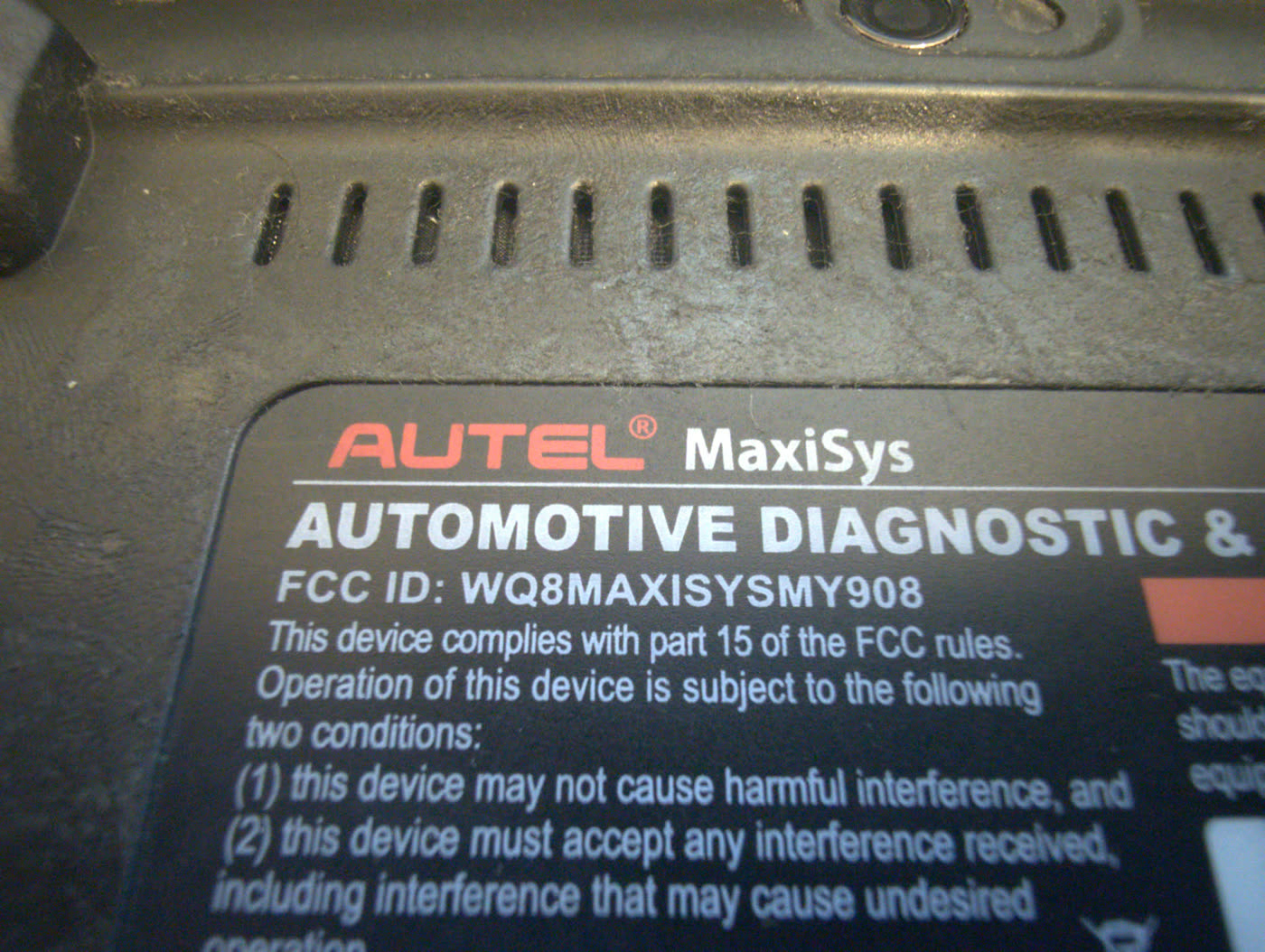
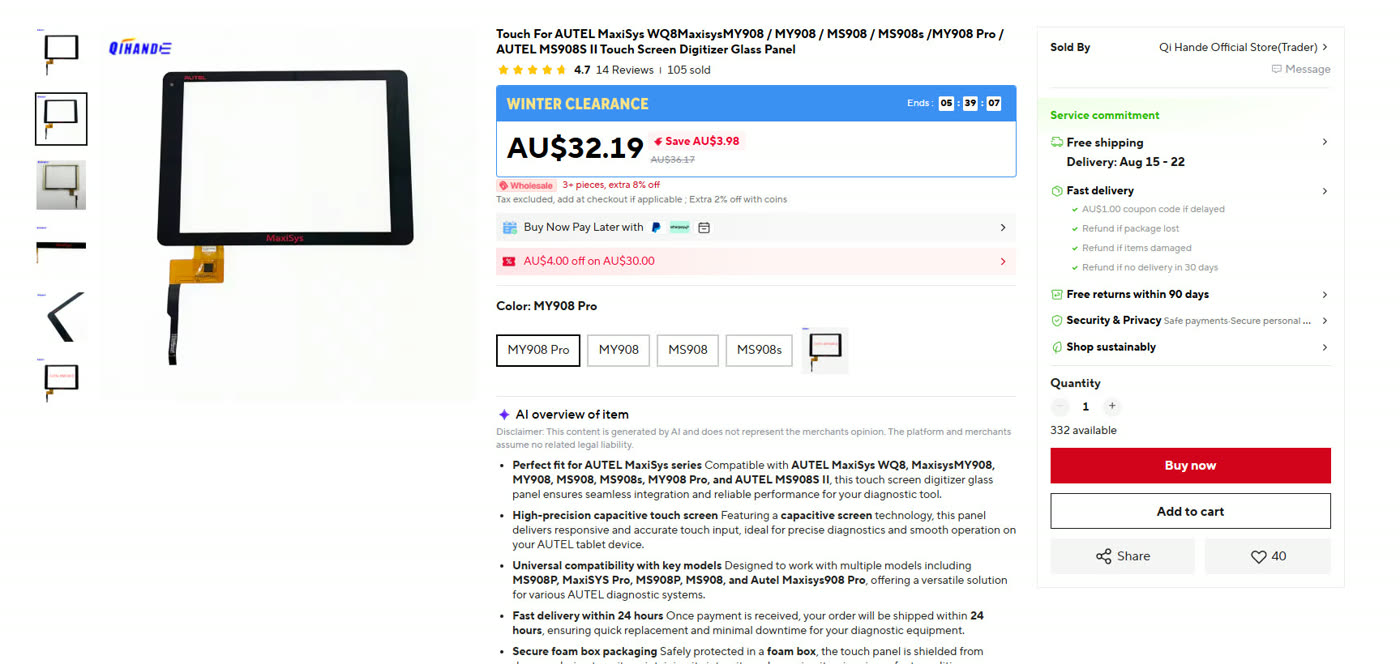
The tablet was identified as an Autel MaxiSys MY908, with the FCC ID WQ8MAXISYSMY908. After opening the unit and checking the existing parts, I found a replacement digitizer sold specifically for the MY908 and ordered it.
The replacement digitizer did not work
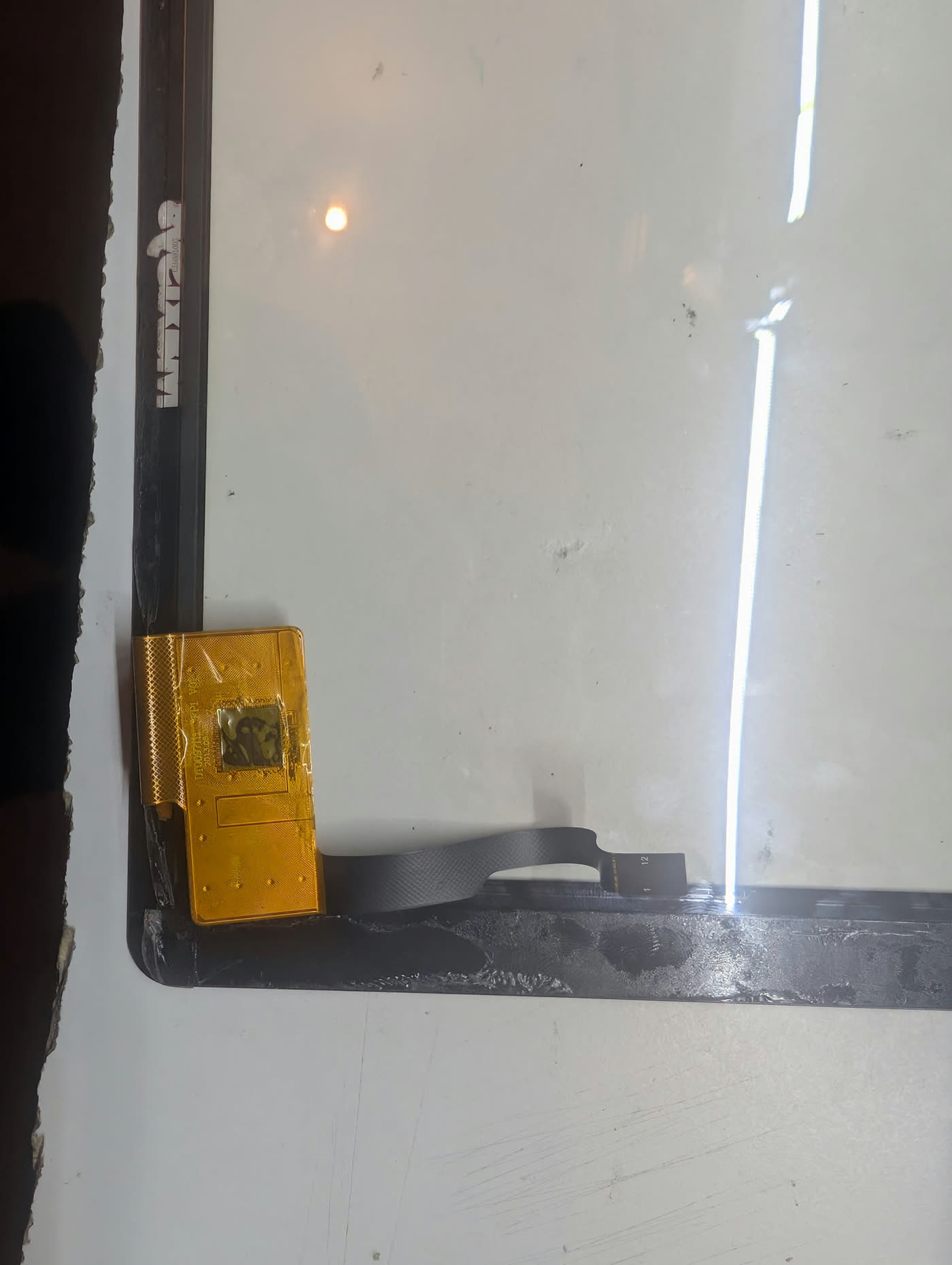
Physically replacing the digitizer was one of the easiest parts of the repair. Unfortunately, after connecting the new panel, there was no touch response.
That introduced another problem. The replacement digitizer could have been faulty, it could have been incompatible with this particular MY908 revision, or there could have been another fault on the tablet.
I found scattered references to similar Autel MaxiSys touchscreen replacements. Some replacement digitizers apparently require a hardware configuration change on the MaxiSys mainboard, involving small resistors near the touchscreen connector.
The problem was that I could not find documentation that matched the exact mainboard revision in this MY908.
Asking the supplier
Eventually I contacted the AliExpress seller who supplied the replacement digitizer and explained the problem. To my surprise, they were able to help.
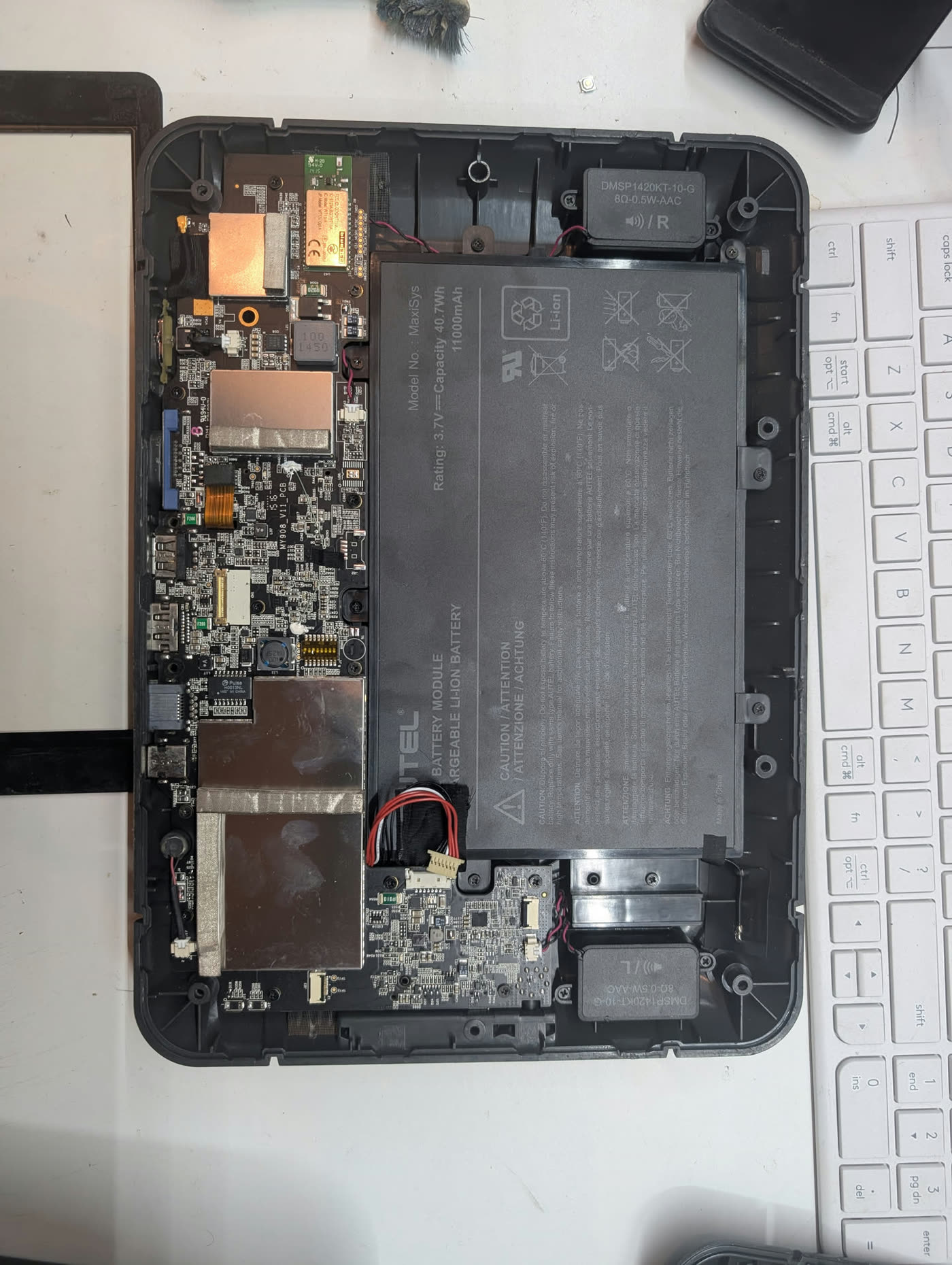
After identifying the tablet and board, the seller sent through a photograph showing the exact component that needed to be removed: R289, located next to the digitizer connector.
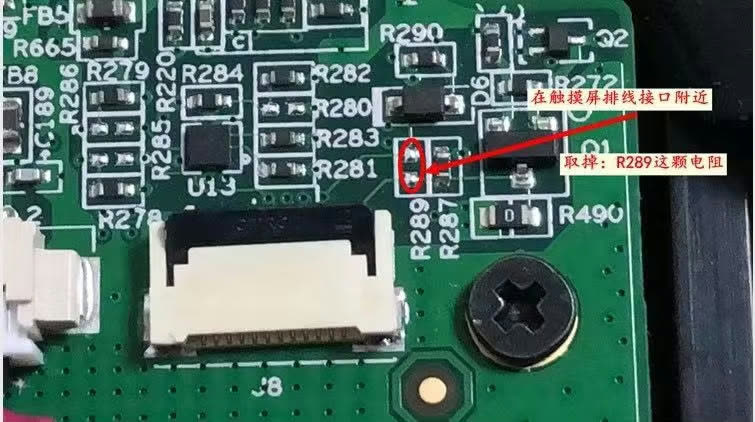
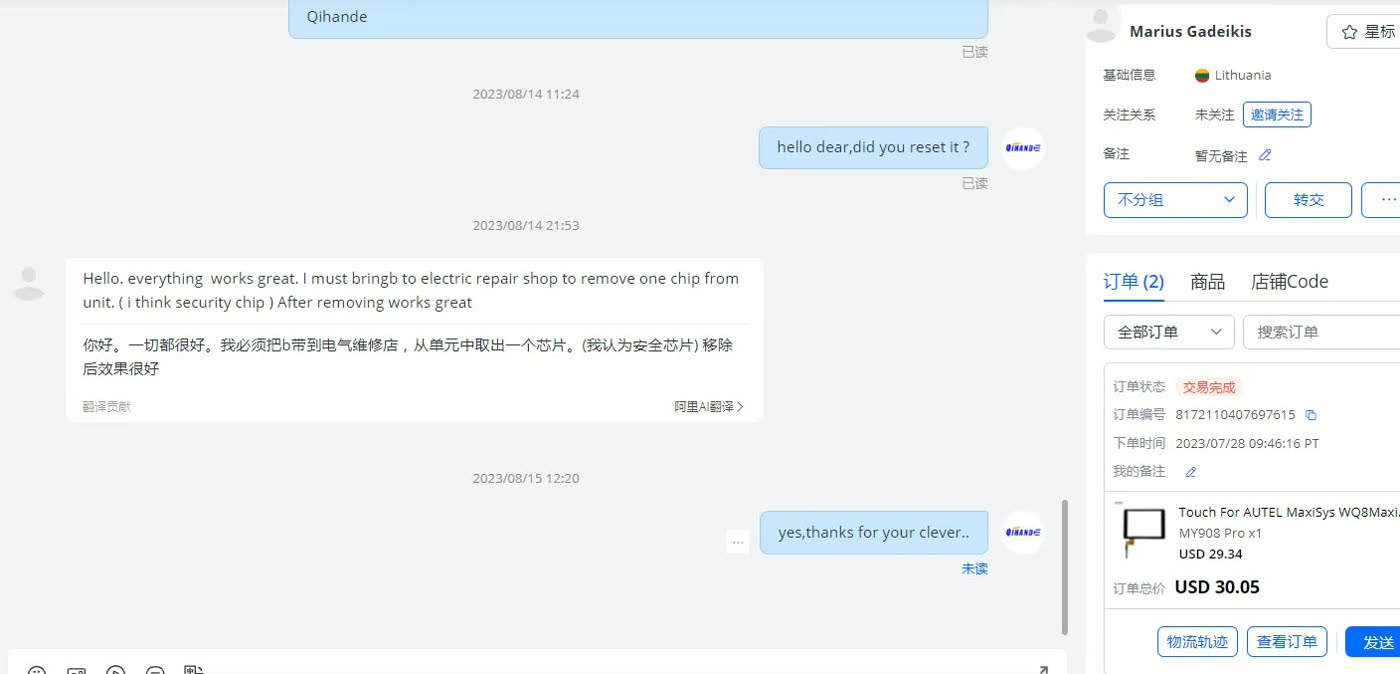
Once R289 was removed from the mainboard, I reassembled the tablet and tested the replacement digitizer again. This time it worked correctly across the entire screen.
The actual repair was easy, finding the solution was not
In the end, the physical repair was straightforward. The difficult part was figuring out why a replacement digitizer sold for the MY908 did not work when simply connected.
There appears to be a compatibility or configuration difference between touchscreen digitizers used across these Autel MaxiSys units, with the state of components such as R289 determining which touchscreen hardware the board will work with.
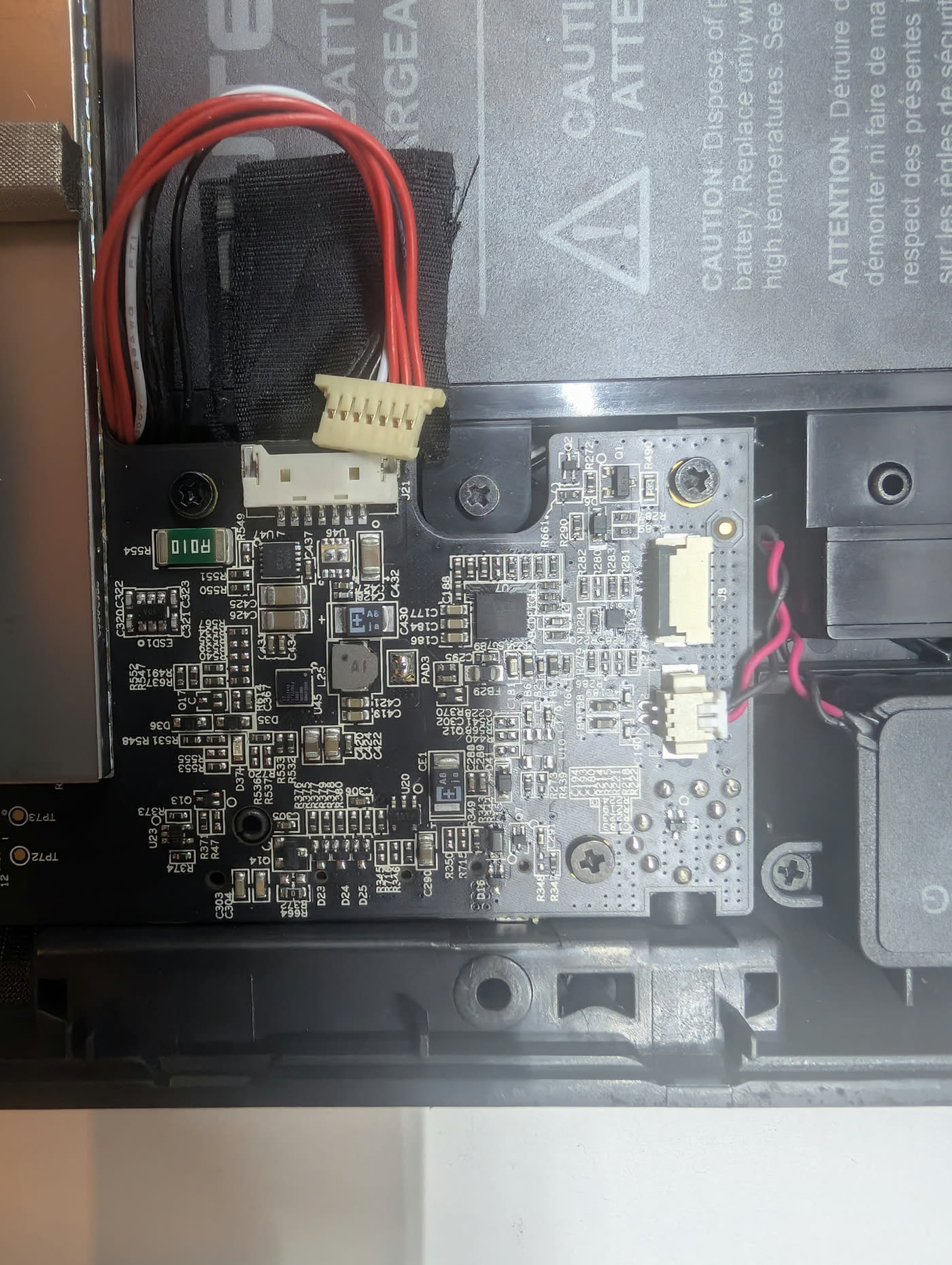
For this particular MaxiSys MY908 / WQ8MAXISYSMY908, the replacement digitizer I used required R289 to be removed. Once that modification was made, the replacement touchscreen operated normally and the repair was complete.
Repair summary
- Device
- Autel MaxiSys MY908
- FCC ID
- WQ8MAXISYSMY908
- Fault
- Touch input only working on half of the screen
- Replacement
- Touchscreen digitizer / glass assembly
- Problem after replacement
- New digitizer produced no touch response
- Solution
- Remove mainboard resistor R289 as advised by the digitizer supplier
- Result
- Full touchscreen operation restored
Job photos